

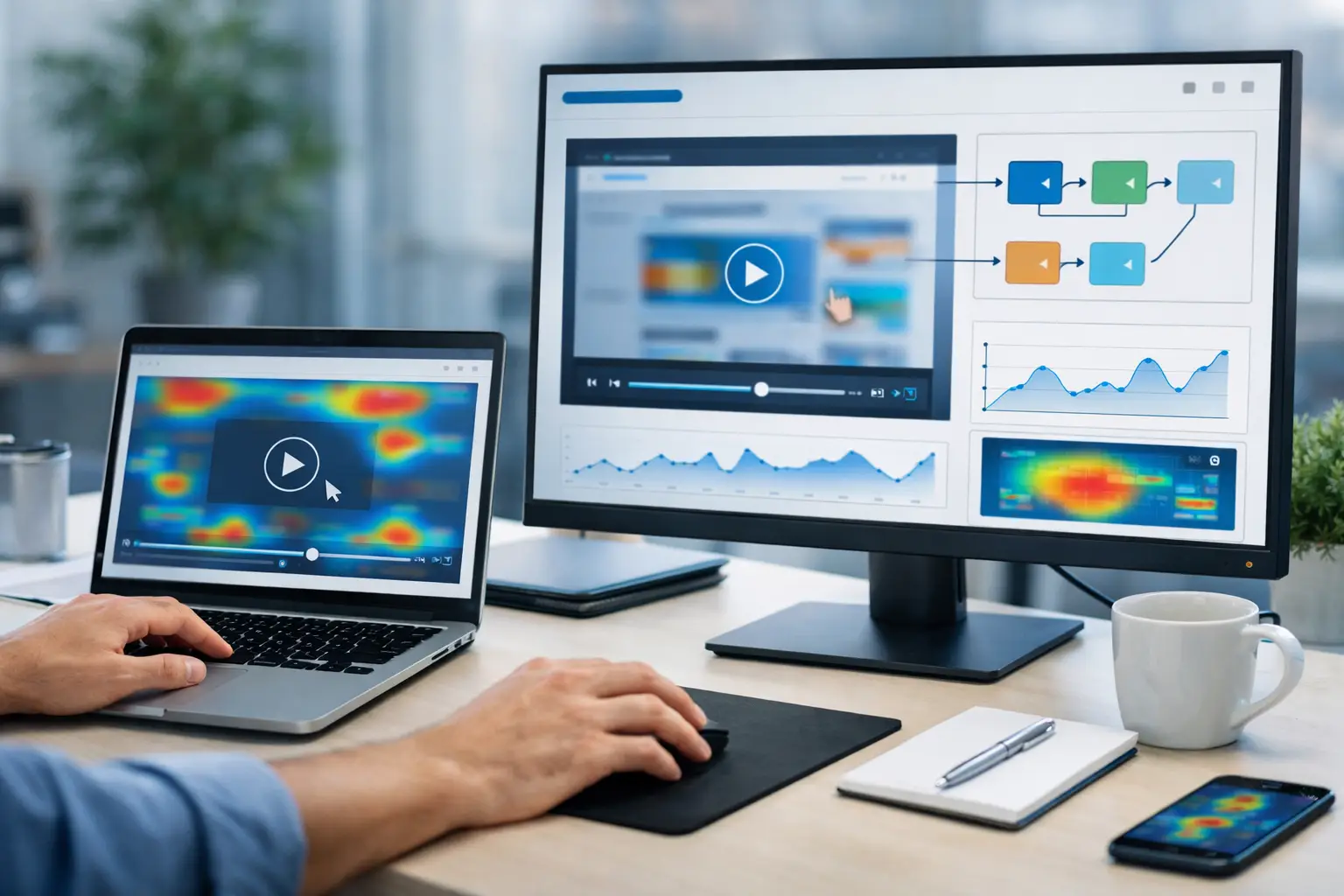
A conversion report can tell you that visitors abandoned a checkout page. The best session replay software can show you what happened in the seconds before they left: an error message, a confusing form field, a slow-loading payment widget, or a mobile layout that pushed the button off-screen.
That visibility is valuable, but not every replay platform serves the same purpose. Some are built for product teams debugging complex applications. Others give marketers an affordable way to spot friction on landing pages and ecommerce stores. The right choice depends on the questions your team needs answered, the traffic you handle, and the privacy controls your business requires.
What Makes the Best Session Replay Software?
Session replay records a visitor’s on-page interactions and rebuilds them into a playable session. Teams use it alongside heatmaps, funnels, event analytics, error monitoring, and user feedback to understand behavior that aggregate metrics cannot explain.
A good platform should make it easy to filter recordings by meaningful conditions, such as device type, country, rage clicks, dead clicks, conversion outcome, or JavaScript error. Without strong filtering, a library of thousands of recordings quickly becomes another data source nobody has time to use.
Privacy deserves equal weight. Look for configurable masking of text fields, payment details, and personally identifiable information; controls over IP collection; data retention settings; and consent options that fit your legal obligations. A tool that is excellent for diagnosing user behavior is a poor fit if its implementation creates unnecessary risk for your customers or compliance team.
Finally, consider whether replay needs to connect to your existing stack. Product-led companies may benefit from links between recordings, feature flags, support tickets, error traces, and user events. A small business focused on improving a lead-generation site may get better value from a simpler platform with heatmaps and form analytics included.
12 Best Session Replay Software Options
1. Microsoft Clarity
Microsoft Clarity is the practical starting point for businesses that need session replay and heatmaps without adding another paid analytics bill. It surfaces rage clicks, dead clicks, excessive scrolling, and quick backs automatically, which makes it useful for finding obvious page-level problems.
Its biggest advantage is price: Clarity is free. The trade-off is that its analytics and segmentation are less sophisticated than enterprise platforms, so teams with complex products or strict governance requirements may outgrow it.
2. Hotjar
Hotjar remains a strong choice for marketers, UX teams, and ecommerce operators that want a friendly research toolkit. Recordings sit alongside heatmaps, surveys, feedback widgets, and interviews, helping teams combine behavioral evidence with direct customer feedback.
It is especially useful when the question is, “Why is this page not converting?” rather than “Which software event failed for this account?” Pricing can rise as traffic and recording needs grow, so review sampling limits before rolling it out across a high-volume site.
3. Fullstory
Fullstory is designed for organizations that treat digital experience data as a serious operational input. Its replay, search, segmentation, journey analysis, and frustration signals can help product, engineering, and support teams investigate issues from the same behavioral record.
That breadth comes with a more involved evaluation and implementation process than lighter tools. Fullstory is best suited to established digital products, financial services, large ecommerce businesses, and other teams that can act on detailed behavioral data at scale.
4. Contentsquare
Contentsquare focuses on digital experience analytics for enterprise brands. In addition to session replay, it provides journey analysis, zone-based engagement data, and tools meant to quantify the business impact of experience problems across large sites and apps.
For a company managing multiple markets, brands, or high-traffic properties, that enterprise focus can be a major advantage. For a lean startup, it may be more platform than necessary, both in cost and in the expertise needed to turn its data into decisions.
5. Glassbox
Glassbox is a compelling option for businesses where compliance, security, and customer journeys are closely connected. It is commonly considered by organizations in regulated sectors that need to investigate digital failures while applying detailed data-governance controls.
Its strengths are less about casual UX research and more about operational visibility across critical customer journeys. That makes Glassbox worth considering for banks, insurers, telecom companies, and other businesses where a broken self-service flow can create support costs, complaints, or revenue loss.
6. LogRocket
LogRocket bridges the gap between product analytics and engineering diagnostics. Its recordings can be connected to console logs, network activity, and errors, giving developers more context when a bug report says only that “the app stopped working.”
This is a strong fit for SaaS companies with web applications, especially when support and engineering regularly need to reproduce customer-reported issues. It is less focused on classic marketing research features such as surveys and broad visual heatmap analysis.
7. Smartlook
Smartlook offers replay and product analytics across web and mobile apps. Its event-based filtering, funnels, and automatic event tracking make it useful for teams that want to understand both website behavior and in-app journeys without deploying separate tools.
It is a sensible middle-ground option for growing product teams. As with any usage-priced platform, validate how recording volume, user seats, and mobile usage affect total cost rather than judging plans on their entry price alone.
8. Mouseflow
Mouseflow combines session replay with heatmaps, funnels, form analytics, and feedback tools. Its form analysis is particularly helpful for lead-generation teams trying to find where prospects hesitate, abandon fields, or encounter validation issues.
For agencies and businesses managing several conversion-focused websites, its feature set is straightforward and relevant. It may not offer the technical depth of a developer-centered platform, but that is often an acceptable trade-off for marketing teams.
9. Lucky Orange
Lucky Orange is geared toward ecommerce and smaller businesses that want immediate, visual insight into shopper behavior. Along with recordings and heatmaps, it includes conversion funnels and live chat capabilities that can support active sales engagement.
The platform is a good match when a store owner needs to identify merchandising, navigation, or checkout friction quickly. Larger teams may prefer a tool with deeper governance, more advanced analysis, and more mature integrations.
10. PostHog
PostHog is a product-focused platform that combines session replay with event analytics, feature flags, experiments, surveys, and data tools. Its open-source roots and flexible deployment options appeal to technical teams that want more control over their product data.
The learning curve is higher than for a simple heatmap tool, and some value comes from using several PostHog capabilities together. For engineering-led SaaS companies, that consolidation can reduce tool sprawl and make behavioral data more actionable.
11. UXCam
UXCam is built primarily for mobile app experience analysis. It provides session replay, heatmaps, event analytics, and crash-related context so mobile teams can see how users interact with screens, gestures, and app flows.
If your core customer journey happens inside iOS or Android, a web-first replay tool may leave important gaps. UXCam is a better fit when mobile behavior is the product experience, not an afterthought.
12. Datadog Real User Monitoring
Datadog Real User Monitoring is worth evaluating when performance monitoring and replay need to live close to your observability workflow. Its session replay can help teams connect frontend behavior with performance issues and errors visible elsewhere in their monitoring environment.
It is most compelling for organizations already using Datadog across engineering and operations. A marketing team that only needs landing-page insights will likely find a dedicated UX platform easier to adopt and more cost-effective.
How to Choose a Session Replay Platform
Start with one concrete workflow. For example, a marketer may need to investigate why paid mobile traffic does not complete a quote form. A product manager may need to understand why users abandon onboarding. An engineering leader may need evidence to reproduce browser-specific errors. The platform should make that workflow fast, not merely offer a long feature list.
Next, test replay quality on the pages that matter most. Confirm that dynamic components, single-page application transitions, embedded forms, and mobile layouts render accurately. Also test whether filters help you isolate a small, relevant group of sessions. Watching random recordings is interesting; finding the recordings tied to lost revenue is useful.
Do not treat privacy settings as a box to check after launch. Decide what data should never be captured, who can view recordings, how long recordings should remain available, and whether consent rules differ by visitor location. Involve legal, security, and engineering early when your site handles account, health, financial, or payment information.
A Better Way to Use Replays
Session replay works best as a targeted investigation tool, not as background footage to review endlessly. Set a recurring practice: choose one high-value funnel, identify a specific behavior or technical signal, review a focused sample, make one change, and measure the result. This creates a direct path from observation to improvement.
The best platform is the one your team will use responsibly and consistently. Start with the questions costing your business the most, then choose the level of analytics, technical depth, and governance needed to answer them with confidence.